



 Blacktel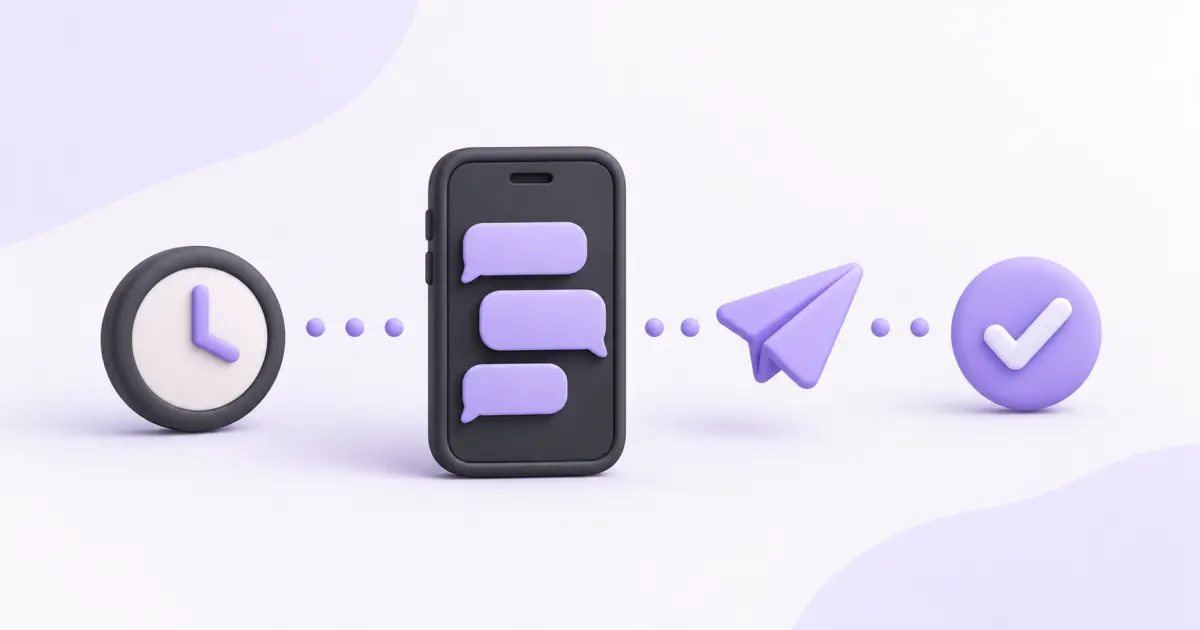
A message being accepted for sending and a delivery confirmation describe different stages. Use the status of the specific message in your history, not just the fact that you pressed Send. Available status updates also depend on the destination route.
Read the stages in order
Queued normally means accepted and waiting for sending. Sent indicates the message was handed onward; it does not by itself confirm arrival on the recipient’s device. Delivered is a reported delivery confirmation, not proof that a person read the text. Failed or undelivered indicates a problem at the stage reported.
Check before sending again
- Compare the destination number and country code with the intended contact.
- Review the message’s latest status and time in the account history.
- Check that the selected service supports sending SMS and that the text fits the current composer limit.
- Allow for a delayed status update instead of immediately sending repeated copies.
- If the issue continues, provide support with the message reference and time through the private support channel.
Treat delivery and replies separately
A recipient may receive an SMS without replying, and ordinary SMS does not provide a general read-receipt feature. Message length, recipient availability and network filtering can affect results. Use the text cleaner and length checker to review content without changing the original message automatically.
Questions and answers
Does sent mean the SMS arrived?
Not necessarily. Look for the delivery confirmation where the route supplies one.
Does delivered mean read?
No. Delivery confirmation does not show that the recipient opened or read an ordinary SMS.
Useful tools and links
Official references
Next step
Compare number types, services and activation requirements before choosing your number.