



 Blacktel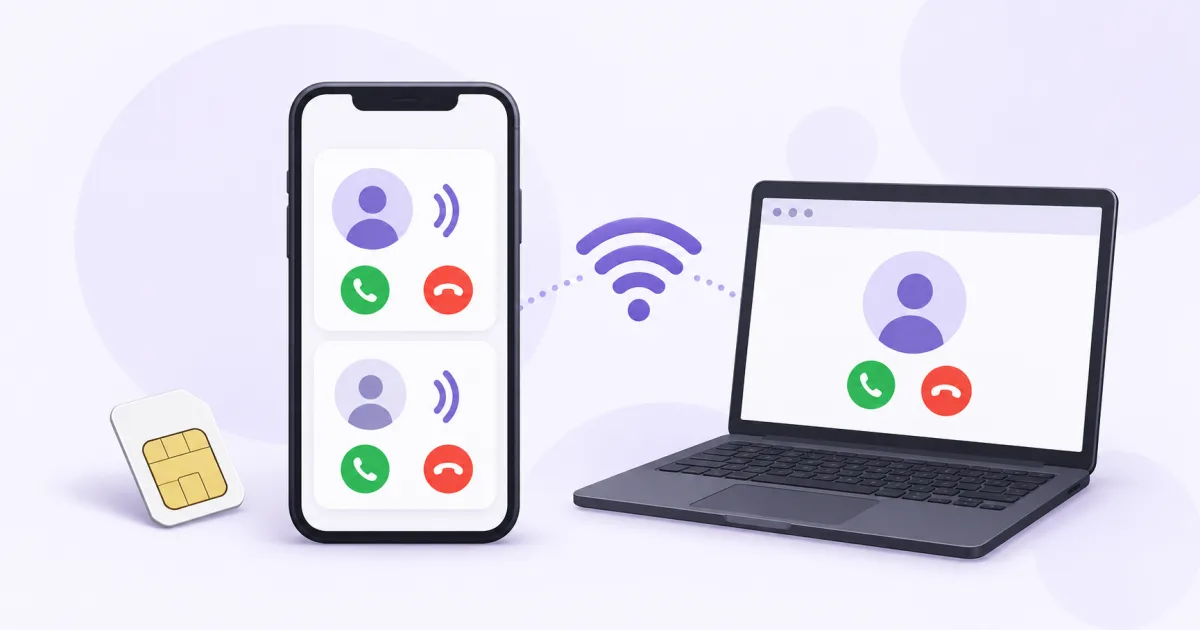
An online second number can use your existing internet connection through an app or browser. You do not need another physical SIM for that virtual number. Choose the number’s call and SMS features, then use it through the supported Blacktel client.
How this differs from dual SIM
A carrier SIM or eSIM connects a cellular line to your phone. An online number is managed in your account and uses an internet client. Your current mobile data or Wi-Fi can supply that connection.
Adding an online number does not automatically add a line to the phone’s native dialer, Messages, iMessage or RCS. Use the Blacktel app or Webphone for the supported number functions.
Set up the second number
- Choose the country and exact number with the incoming/outgoing call or SMS functions you need.
- Review rental, usage rates and any identity or address requirements.
- Complete activation, then open the number in your account or supported client.
- For calls, allow the required audio permissions; for app notifications, follow the client’s settings.
- Keep the number active and check the renewal date.
Keep the two contacts distinct
Continue using your personal carrier line as usual. Give contacts the full second number when that is the number you want them to reach. For outgoing communication, check the selected number before sending or calling.
Manage online SMS in the corresponding inbox. A mobile phone’s signal bars and the online number’s active status are different checks; Wi-Fi can provide the client’s internet connection.
Choose an app, browser or cellular line
Webphone is useful when you want browser access, while the supported mobile app can provide its own client experience. Check notification and background behavior for the device you use.
If you specifically need a native cellular line or a feature required by another service, compare that need with a carrier SIM/eSIM. A virtual number and a cellular subscription solve different parts of the setup.
Questions and answers
Can I use the second number over Wi-Fi?
Yes, a working Wi-Fi connection can supply internet for the supported online client. Number activation and usage conditions still apply.
Will the number automatically appear in my normal SMS app?
An online number uses its supported inbox/client. It is not automatically a new native cellular messaging line.
Useful tools and links
Official references
Next step
Compare number types, services and activation requirements before choosing your number.