



 Blacktel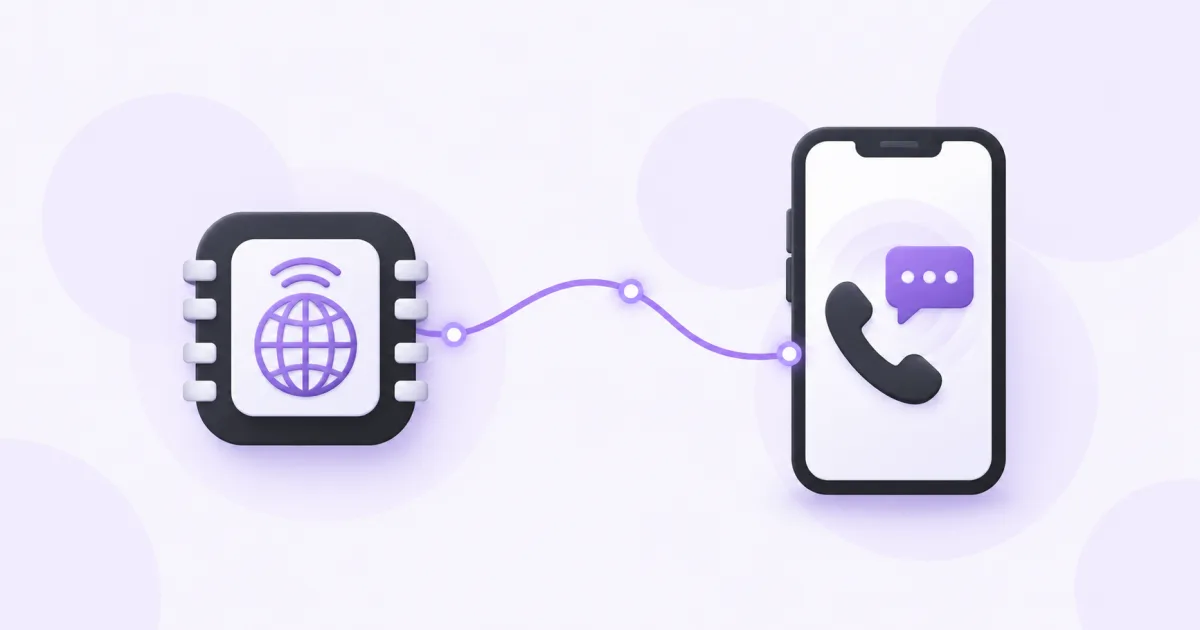
An eSIM installs a mobile plan on a compatible device. A virtual phone number gives you a number for supported calls or SMS through an online account. They solve different needs and can be used together.
What an eSIM provides
An eSIM is the digital form of a SIM. The plan determines what it includes. Many travel plans provide mobile data only, while other carrier plans can include a phone number, calls and SMS. The word eSIM by itself does not promise any of those extras.
Before buying a Blacktel eSIM plan, check supported devices, carrier lock, destination coverage, data allowance, validity and activation conditions. Follow that plan's installation and network instructions.
What a virtual phone number provides
A Blacktel virtual number is accessed through your account, Webphone or app over an internet connection. Choose a number with the call or SMS capabilities you need; the rental does not itself supply mobile internet data.
You can read the inbox or use supported calls over Wi-Fi or another suitable data connection. An online number does not need to be installed in your device's SIM settings.
Choose by the task you want to do
- For maps, browsing and using apps while traveling, compare mobile data eSIM plans.
- For a separate phone number and online SMS inbox, compare SMS-enabled virtual numbers.
- For calls to regular phone numbers through Blacktel, choose a call-enabled number and check destination rates.
- For a carrier phone number on an eSIM, read that carrier plan's voice and SMS inclusions explicitly. A data-only plan is different.
Using both while traveling
- Check that your device is compatible and unlocked for the eSIM you plan to install.
- Install the eSIM according to its instructions and select the intended data line when needed.
- Connect to the internet and sign in to your Blacktel account to use your virtual number.
- Review home-SIM roaming settings separately. Buying a travel eSIM does not automatically prevent charges on another active line.
Questions and answers
Will a data-only eSIM receive SMS verification codes?
A data-only plan does not include a carrier SMS number unless its details explicitly say otherwise. A virtual-number inbox is a separate service.
Does a virtual number replace my SIM?
It can provide supported online calls or SMS, but it does not by itself provide cellular data or replace all services of a mobile carrier.
Useful tools and links
Official references
Next step
Compare destinations and data plans for your device.