



 Blacktel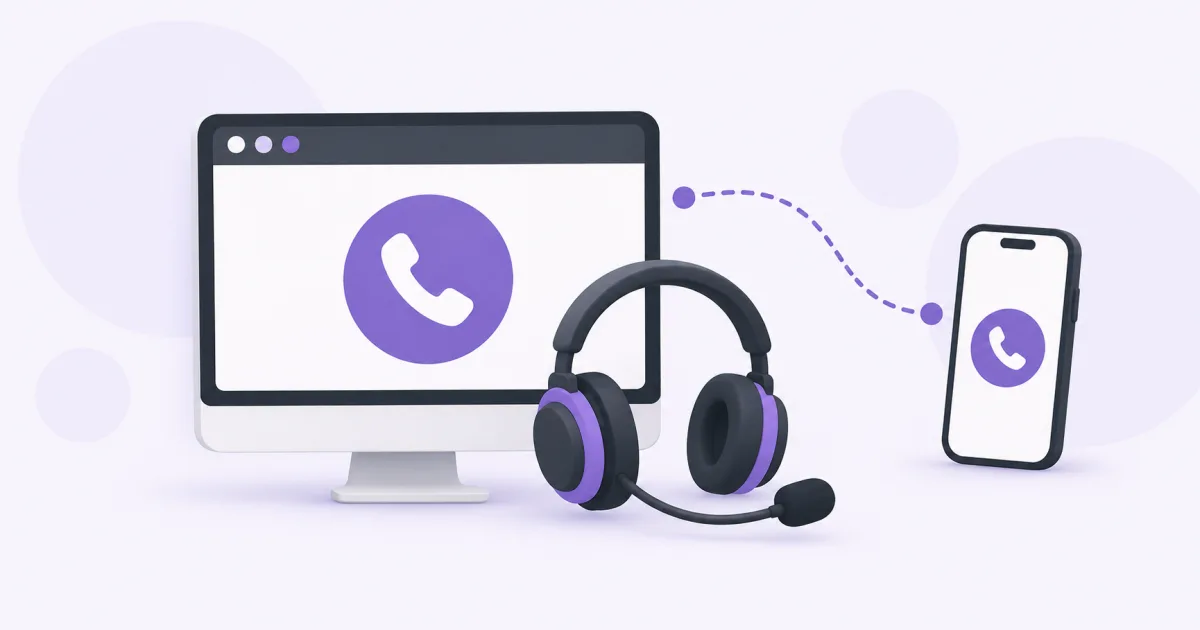
Use a browser phone to call an ordinary mobile or landline number from your computer. You need an internet connection, a working microphone and speakers or a headset, plus the calling option that fits your needs.
Choose Free Phone or your own number
Free Phone lets you try browser calling within its shared wallet and available destination limits. Sign in when asked to place a call. The form being visible does not mean an unlimited call is included.
For calling with your own Blacktel number, choose an active number with call capability and check your account credit. Number rental and outgoing call charges are separate. The person you call can answer on their ordinary phone; they do not need to open Blacktel.
Make a call step by step
- Open the Blacktel Webphone or the Free Calls page and sign in to the relevant Blacktel account.
- Connect a headset or select the microphone and speaker you want to use. Allow microphone access when your browser asks.
- For a private-number call, select the call-enabled number you intend to use.
- Choose the destination country and enter the recipient's number in the requested format. Avoid adding the country code twice.
- Check the destination rate or the Free Phone allowance, then start the call.
- Use the call controls to end the conversation and check your activity afterwards.
If the other person cannot hear you
- Check the physical headset mute switch and the call's mute control.
- Review the site's microphone permission in the browser and the operating system's microphone access.
- Make sure the browser is using the intended microphone, especially after connecting a USB or Bluetooth headset.
- Close duplicate phone sessions and test your connection before trying again. Permission changes may require reopening the call page.
Calling abroad and understanding costs
International calling depends on the recipient's destination and number type. Compare the current call rate before dialing rather than using the rental price to estimate the call cost. An app-to-app internet call and a call to the telephone network are different services.
Questions and answers
Do I need to install a desktop app?
You can use the browser option without installing a desktop app. Blacktel also offers apps if you prefer them.
Why can I hear audio but not speak?
Playback and microphone permissions are separate. Check the selected input device, browser permission, system permission and mute controls.
Useful tools and links
Official references
Next step
Compare number types, services and activation requirements before choosing your number.