



 Blacktel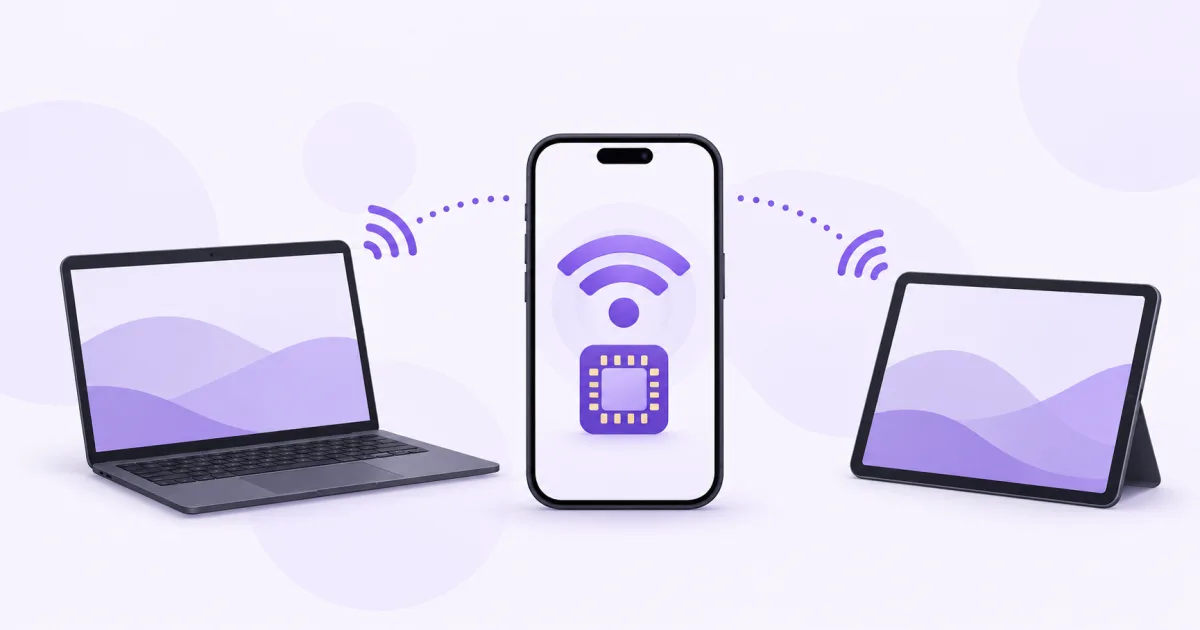
You can share a travel eSIM's data through a hotspot when the device, network and selected plan support tethering. The eSIM stays on your phone; the laptop connects to the phone's internet connection.
Check support before you start
- Read the plan's hotspot or tethering conditions, coverage and remaining data.
- Confirm the phone supports the relevant eSIM and can connect to mobile data first.
- Check any supplied APN instructions, including a separate hotspot field if the device shows one.
- For an unlimited package, read any fair-use, speed or sharing conditions rather than assuming unlimited laptop use.
Connect the laptop
- Enable the eSIM and choose it as the mobile-data line. Confirm a webpage opens on the phone without Wi-Fi.
- On iPhone, open Personal Hotspot and enable Allow Others to Join. On Android, look for Hotspot & tethering or Mobile Hotspot in settings; labels vary.
- Choose a hotspot password and connect the laptop to that Wi-Fi network. USB or Bluetooth sharing may also be available on your devices.
- Check that the laptop has internet access and monitor the eSIM's usage while it is connected.
Manage the shared allowance
Data used by connected devices comes from the same plan allowance as the phone. A laptop may download updates, sync large folders or upload cloud backups in the background.
Pause large transfers or use your operating system's metered-connection option where appropriate. Disconnect devices you no longer need and turn the hotspot off after use to reduce unnecessary consumption.
If the hotspot option is missing
Check device and plan support, the selected data line and the package's network instructions. Use only the APN supplied for that package; another provider's example is not a universal setting.
If the phone itself has no mobile data, resolve that connection first. If the phone works but the laptop does not, check the hotspot password, connected devices and the plan's tethering conditions.
Questions and answers
Does hotspot use add a second data allowance?
No. Connected devices share the selected mobile-data plan unless the plan explicitly says otherwise.
Is sharing a hotspot the same as installing the eSIM on two phones?
No. A hotspot shares the connection from one device. Installing or transferring an eSIM is a different process with its own rules.
Useful tools and links
Official references
Next step
Compare destinations and data plans for your device.