



 Blacktel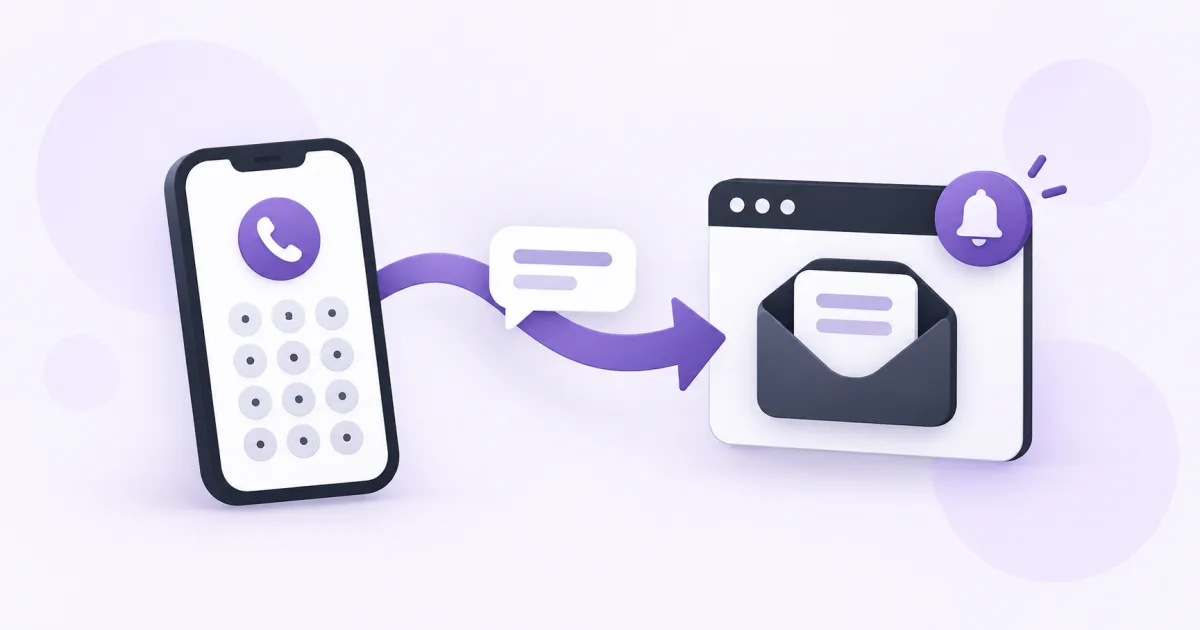
An SMS-enabled virtual number lets you receive text messages in your Blacktel account using an internet connection. You do not need to put a physical SIM card in the device you use to read the inbox.
Choose a number that receives SMS
Start with the country and check the capabilities of the actual number you select. Choose SMS or Calls + SMS when you need incoming texts. The country prefix or the word virtual alone does not establish SMS support.
Read the rental and renewal terms. If identity or address information is required, complete the displayed review process before expecting the number to receive messages.
Receive your first message
- Sign in to Blacktel and select an active number with incoming SMS support.
- Copy the complete number with its country code. If a website has a separate country selector, enter the number in the format that form requests.
- Give the number to the sender, or enter it in the service you want to use.
- Open Messages in your Blacktel account or the SMS area of the Webphone. Select the correct number or conversation.
- Read the incoming message there. If you enable device notifications, treat the signed-in inbox as the main place to check the message.
Keep the inbox private and available
- Use your own number for personal conversations. Free Phone receiving numbers have a shared inbox.
- Keep the number active and watch its renewal date if contacts or other accounts rely on it.
- Protect your Blacktel login and do not share one-time codes or screenshots containing them.
- When several numbers are in your account, check which number the sender used before looking for a missing message.
What to check if a text has not appeared
Check the full recipient number, SMS capability, activation status and selected inbox first. For a verification code, follow the requesting service's available delivery options and retry timer. Number acceptance is decided by that service; changing a browser setting does not change its policy.
When contacting support, include the time, country and a description of the delivery issue through your signed-in account. Never publish the code or other private message content.
Questions and answers
Can I receive SMS while abroad?
You can open your Blacktel inbox over the internet. Number eligibility, activation and the sender's delivery rules still apply.
Is receiving an SMS the same as sending one?
No. Incoming and outgoing capabilities and charges should be checked separately. See the current SMS pricing before sending replies.
Useful tools and links
Next step
Compare number types, services and activation requirements before choosing your number.