



 Blacktel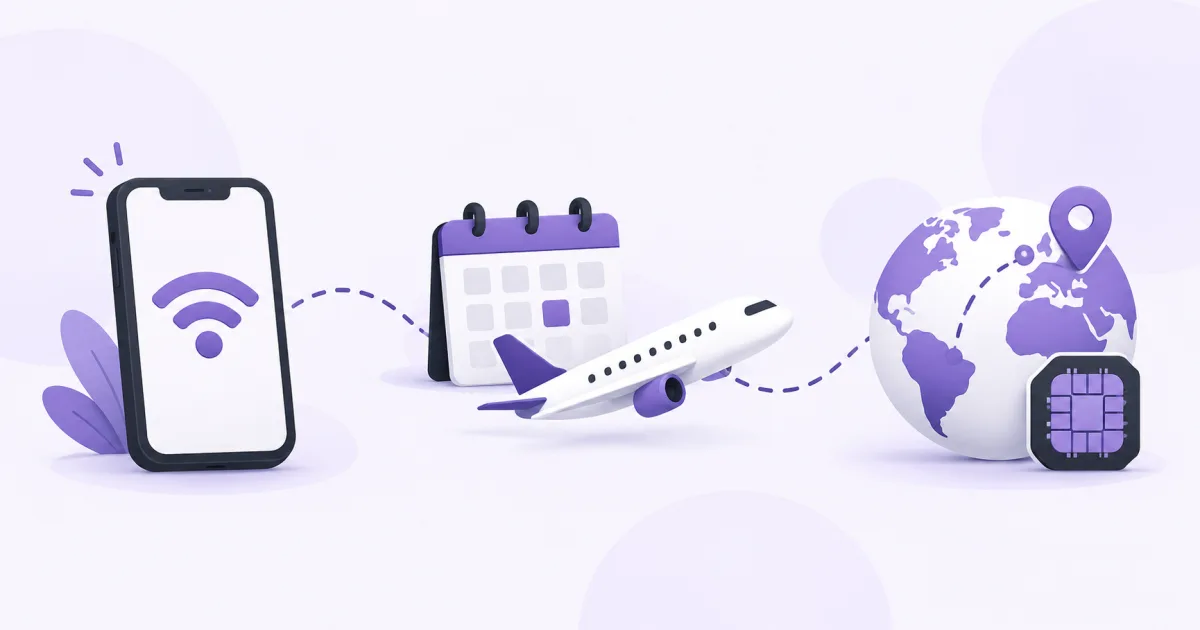
Installing an eSIM and starting its package validity are not always the same event. Read the selected package’s activation policy first: some periods start at installation, while others start when the eSIM connects to a supported network.
Separate the three stages
Purchase gives you the selected package and installation instructions. Installation adds the eSIM profile to a compatible device. Network connection and validity then follow that package’s rules.
Do not infer the start time from a different provider’s example. A regional or global package may cover your departure country too, so first connection need not mean arrival at your final destination.
Prepare before leaving
- Check device compatibility and carrier-unlock requirements.
- Read the package’s validity, start condition, coverage and any activation deadline.
- Save its installation instructions privately and arrange a stable internet connection.
- If the policy permits early installation without shortening your intended use, install ahead of travel.
- If installation starts validity, choose a time that covers the journey you planned.
Connect at the destination
Enable the intended eSIM, select it for mobile data and follow the package’s roaming and network instructions. Keep home-line settings separate so data is not supplied by the wrong line.
Check internet access and the package’s status. Being installed before reaching a covered network does not necessarily mean the plan should already provide service. Use the stated coverage and start policy to interpret its status.
Keep the profile after setup
Keep the installed eSIM unless the official instructions require removal. Deleting a profile is different from switching off a line and may prevent a simple reinstall.
Plan both data quantity and validity. A package can run out of data or reach its expiry; check recharge support only where the selected plan explicitly provides it.
Questions and answers
Should I always install the eSIM as early as possible?
Check its start policy first. Early installation is useful only when the package’s validity rules fit your travel dates.
Does enabling the eSIM always start the period?
The start event depends on the package. It may be installation or connection to a supported network; read the actual instructions.
Useful tools and links
Official references
Next step
Compare destinations and data plans for your device.