



 Blacktel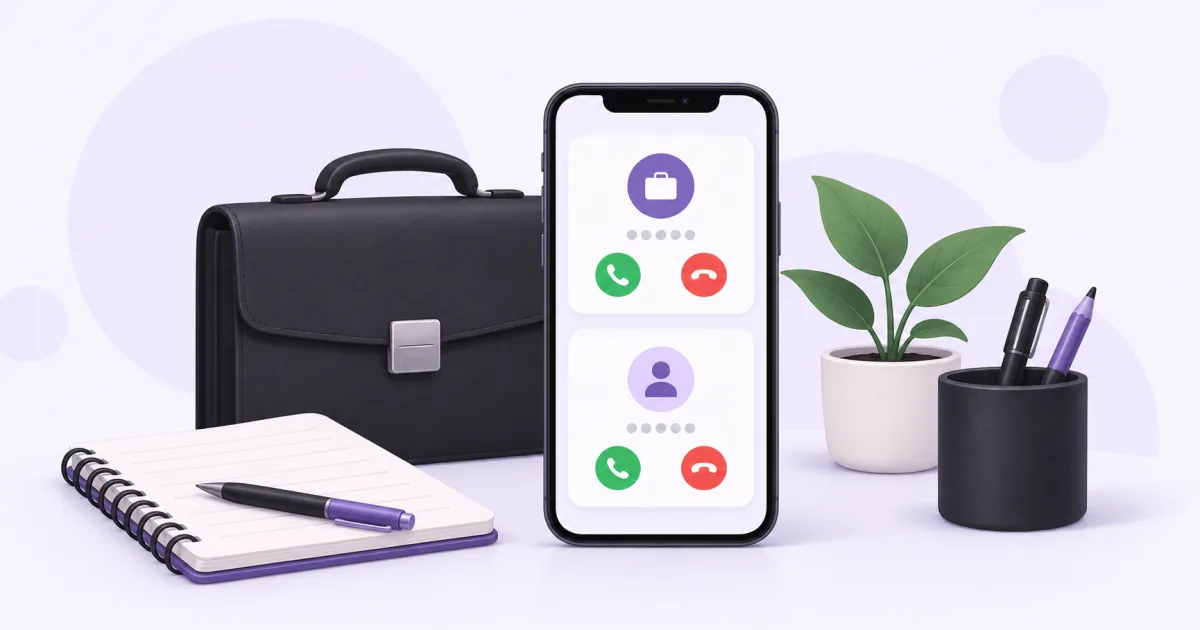
A dedicated work number gives customers a clear contact while your personal number remains for personal contacts. Plan how you will answer, handle messages and keep the number active before publishing it on your website or invoices.
Choose the right contact number
Start with the country and audience you serve. Compare the exact number’s calls, SMS, rental and usage prices, and complete any required identity or address review before relying on it.
Use a number you control for the business. If you need both customer calls and text replies, verify both functions rather than choosing from the country or area code alone.
Decide how to handle calls
- Live answering: use the supported client and its audio/notification settings.
- Voicemail: choose an available mailbox option and a clear professional greeting.
- Forwarding: select an available forwarding mode and a destination you can answer; check its usage charges.
- Review the options actually offered for that number. These are possible handling choices, not a promise that every mode runs together.
Keep business communication consistent
- Share the work number in full international format on genuine business contact listings.
- Check the assigned outgoing number before calling or texting a customer.
- Read messages in that work number’s inbox and keep account access private.
- Use the supported notification settings and tell customers when they can expect a response.
- Keep website and directory contacts accurate when the number changes.
Maintain the number over time
Review renewal dates and the balance needed for the option you use. Number rental and usage are separate costs, and forwarding can add another call leg.
If you retire the number, update customers, public listings and any accounts that use it for verification before cancelling. Keep a separate recovery method for important accounts so the contact change does not become an access problem.
Questions and answers
Do I need a second handset for a work number?
An online number can be used through a supported app or browser on your existing devices. Check the client experience and call features you need.
Can I choose voicemail or forwarding?
Check the selected number’s available handling options and prices. Configure the mode that fits your workflow.
Useful tools and links
Official references
Next step
Compare number types, services and activation requirements before choosing your number.