



 Blacktel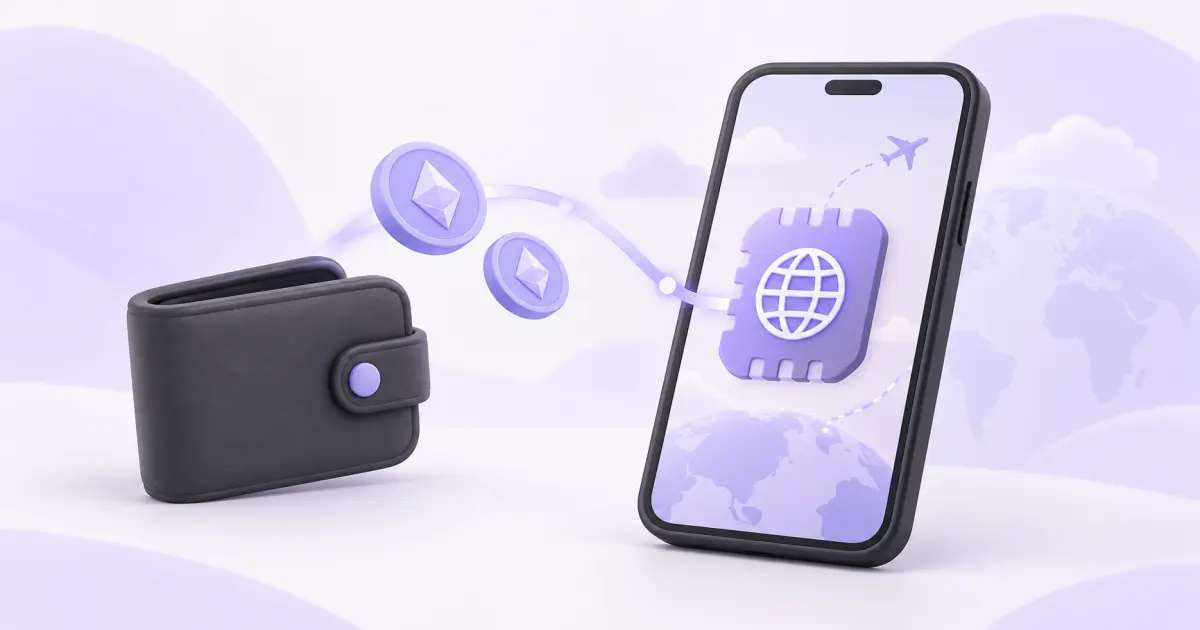
You can fund your Blacktel account through the crypto payment options currently offered, then use available credits to buy an eSIM. Start with the travel plan: the payment method does not change its coverage, data allowance or activation rules.
Choose the data plan first
Check the destination countries, validity, data allowance, device compatibility and carrier-unlock requirement. A travel data eSIM provides mobile internet; buy a separate suitable virtual number if you also need an online telephone number for calls or SMS.
Pay and complete the purchase
- Sign in and choose an available crypto payment method when adding credits.
- Use the asset, network, amount and payment address shown for that specific invoice.
- Allow for your wallet’s network fee and the invoice’s payment deadline.
- Wait for the credited balance to appear, then review and confirm the chosen eSIM purchase.
- Open its installation details and follow the plan’s activation policy.
Keep the payment and installation details separate
Save the payment reference privately if support needs to trace a delayed credit. Payment confirmation and eSIM activation are separate stages. Install on the intended compatible phone using a stable internet connection, then choose the travel line for mobile data. Never share wallet recovery phrases or the eSIM activation code.
Questions and answers
Can I pay with any coin or network?
Use only the combinations offered by the current payment invoice. A familiar token name does not mean every network is supported.
Does crypto payment give the eSIM a phone number?
No. Check the actual package features; mobile data and a virtual telephone number are separate products.
Useful tools and links
Official references
Next step
Check current rental and usage pricing before adding credit or renewing a number.