



 Blacktel

Global
Global
DATA / CALL / SMS (phone number)
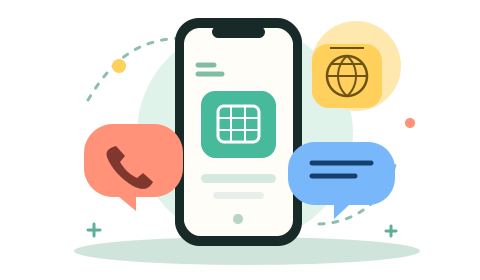
View plansMobile data, calls and SMS on one eSIM. Choose your destination and find a plan with a dedicated phone number.
Buy an eSIM with a phone number for an internet connection, text messages and calls. You can also receive SMS verification codes with this eSIM to register with services such as Tinder, Telegram and WhatsApp.
Global
DATA / CALL / SMS (phone number)
View plans
Country
DATA / CALL / SMS (phone number)
View plans
Country
DATA / CALL / SMS (phone number)
View plans
Country
DATA / CALL / SMS (phone number)
View plans
Country
DATA / CALL / SMS (phone number)
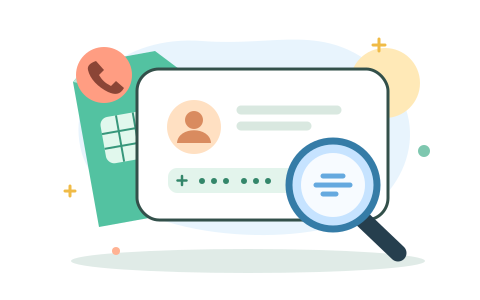
View plansFind your eSIM number in your phone settings, or with a quick call or SMS.
The call/SMS check needs network coverage and an available allowance. Normal charges apply.
Menu names vary by device. If the number is blank or shown as Unknown, use the call/SMS check. Your ICCID identifies the eSIM; it is not your phone number.
On iPhone, also try Settings → General → About. On Samsung, try Settings → Connections → SIM manager.
Choose your eSIM line in the Phone or Messages app. Call or send a regular SMS to another phone you can check, then look at the caller or sender number there. Use a mobile call or SMS rather than an internet messaging app.
Your eSIM needs network coverage and available minutes or SMS. Use a destination allowed by your plan; normal allowances or charges apply. Hidden caller ID can prevent a call from displaying the number.
Use a separate eSIM number for WhatsApp, Telegram, Instagram and other services that offer SMS verification.
Connect in a supported destination.
Include the country code.
Open Messages on your phone.
Each service decides which numbers it accepts. Keep your eSIM active for future codes.
Explore SMS verification guidesPay with Bitcoin, Ethereum, USDT, USDC or Solana. Add Blacktel credit with crypto, then choose your travel eSIM.
Crypto Payment Guide Bitcoin
 Ethereum
 USDT
 USDC
 Solana
 WhatsApp
 Telegram
 Instagram